
01
Pick a listing photo
Use a well-lit, straight-on room image with the floor, walls and openings visible.
Preparing workspace
Virtual staging for real estate agents
An empty or dated room can make a listing harder to understand at a glance. CrunchSave turns one existing property photo into a styled concept that can support listing presentations, social posts and seller conversations.
2 free credits · No card required · 2 credits per redesign
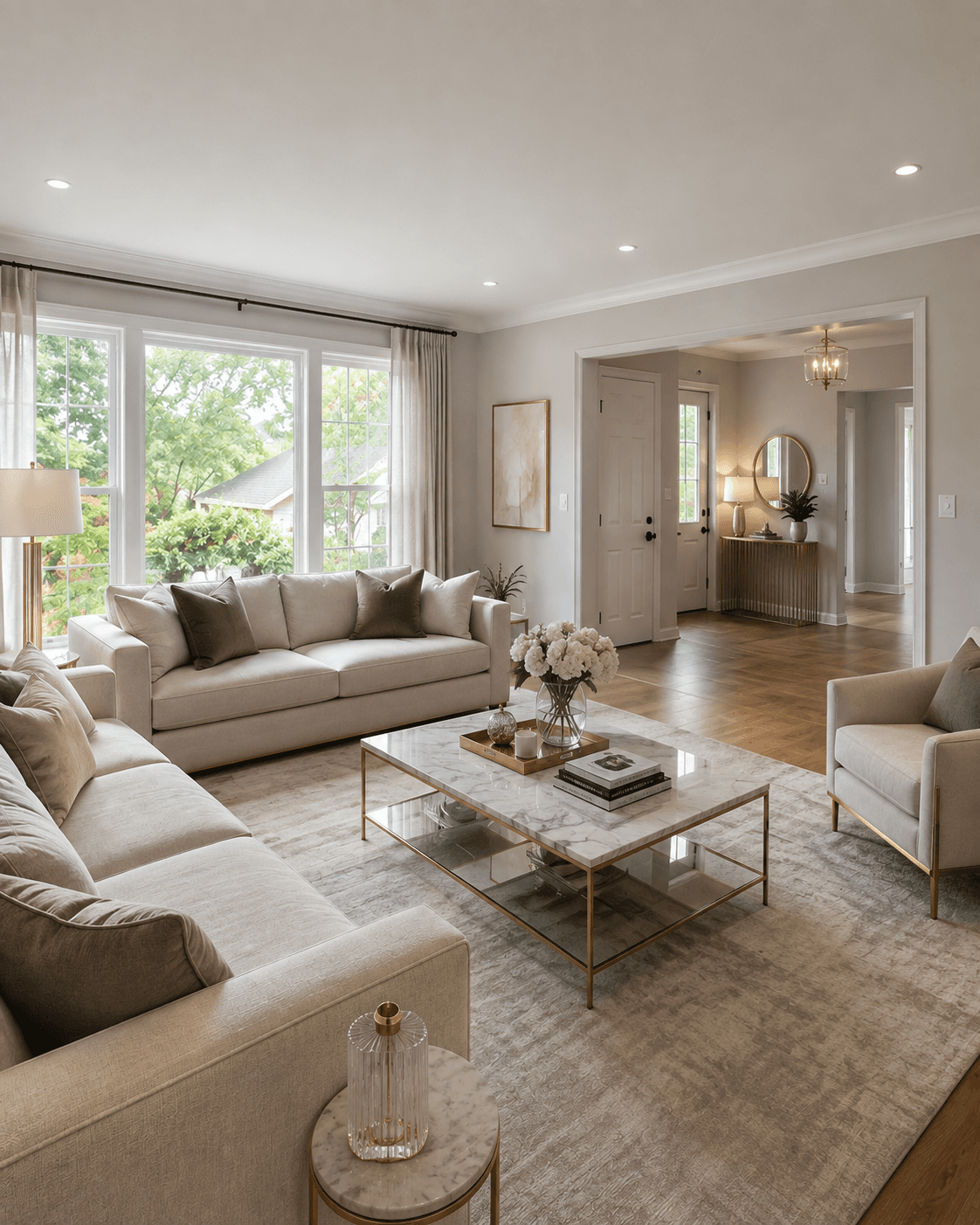
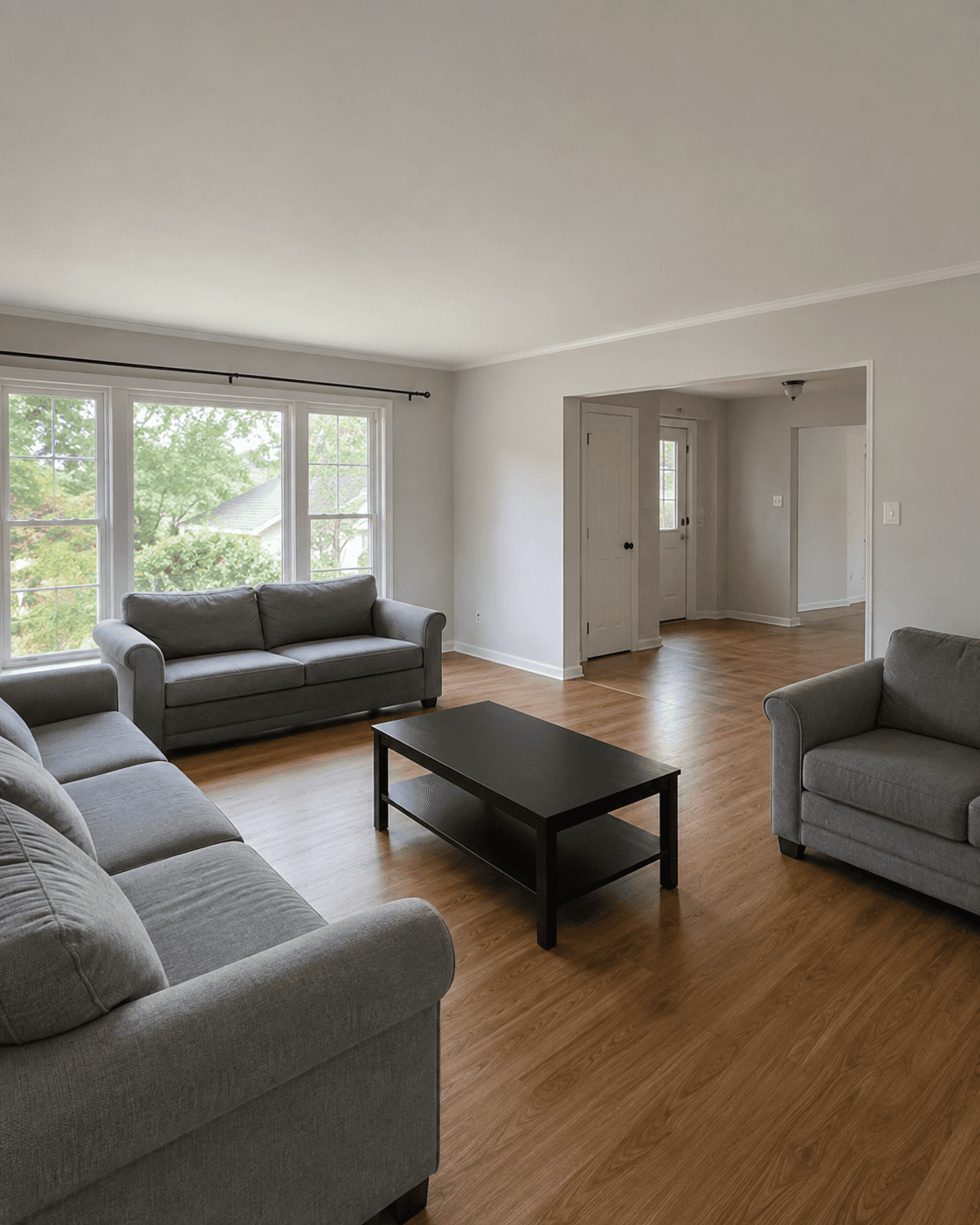 BeforeAfter
Built for a real workflow
Built for solo agents and small real estate teams that need occasional staging visuals without an agency workflow or specialist editing software.
A useful virtual staging image must remain connected to the real property. CrunchSave keeps the source photo in the workflow, labels the comparison clearly and instructs the AI not to invent structural changes. You decide whether the result accurately represents the room before using it.
Three clear steps
Use a well-lit, straight-on room image with the floor, walls and openings visible.
Select a style that supports the property rather than overpowering its existing character.
Check doors, windows, fixed elements and scale against the original, then download the approved result.
Included in every workflow
Interior directions
Sleek statement pieces, refined neutrals and golden details.
Soft layers, warm woods and an inviting glow.
Light, calm and functional with crisp clean lines.
Heritage character, rich textiles and ornate accents.
Raw texture, leather and confident dark materials.
Organic forms, walnut and iconic retro color.
Common questions
Yes. When the uploaded room is vacant, the system creates a complete, realistically scaled furniture and decor layout.
No. Rules differ by market and platform. Keep the original, label AI-edited or virtually staged images where required, and follow the listing service rules that apply to you.
Use 16:9 for wide listing and presentation placements. Use 9:16 for vertical phone-first content such as stories and reels.
Ready to see the room differently?